
Thanks to Open mHealth, there’s a simple, new option for obtaining data from Apple Health (see this post for other options):
Install the Hipbone app, and connect the app to a Dropbox account.
Create a new bucket in Zenobase, using the default template.
Open the Tasks… dialog and add a new hipbone task.
Depending on how much data you have, the initial import can take a while (Hipbone creates a separate file for each data point)…
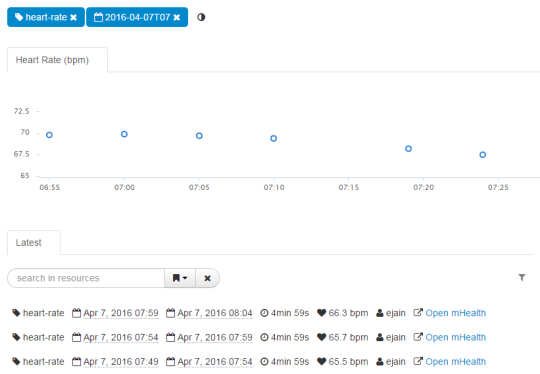
Limitations: Only data in the omh namespace is imported. If there’s anything that’s missing or doesn’t look right, let us know!