
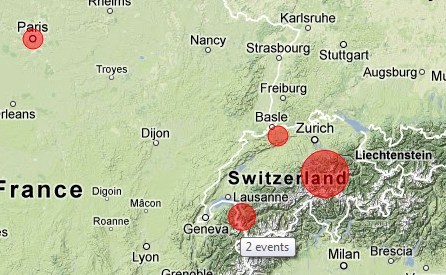
The map widget now shows all event locations, clustered. Click a bubble to zoom in–or use the normal map controls to zoom and scroll, and then click “filter” to update the map.
To add a map widget to your dashboard, click the “edit” icon next to the dashboard title, click the “add” icon in the section you want to add the map to, and select “map”.